Help Center

New to myJacksonCounty? We’ll help you quickly pay property taxes, find receipts and more.

Go to myJacksonCounty

View a Tax Bill Without Paying on myJacksonCounty

If you are curious about what you owe but not ready to make your payment today, follow the steps below to connect your property and view available bills on myJacksonCounty:

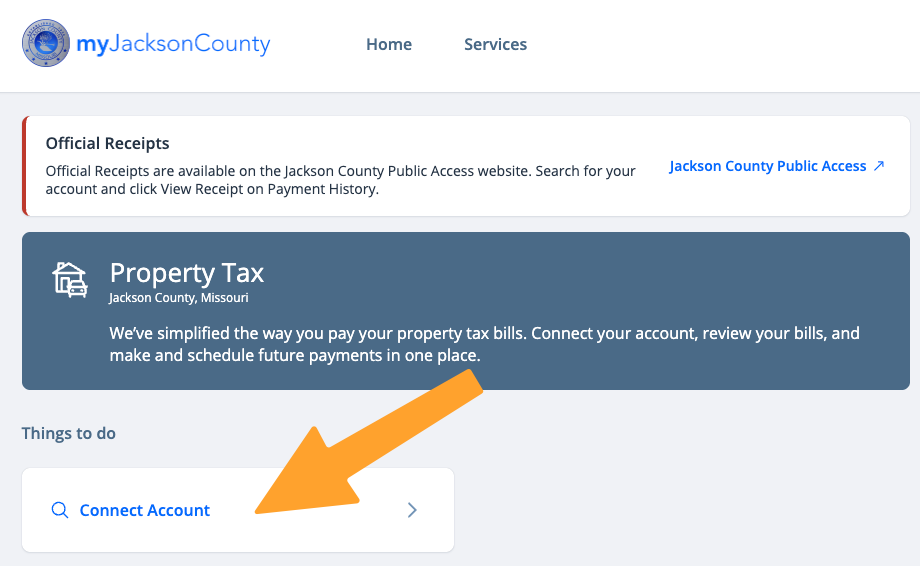
  1. Click Connect Property

myJacksonCounty Property Tax homepage with an orange arrow pointing to the white “Connect Account” button under “Things to do.”

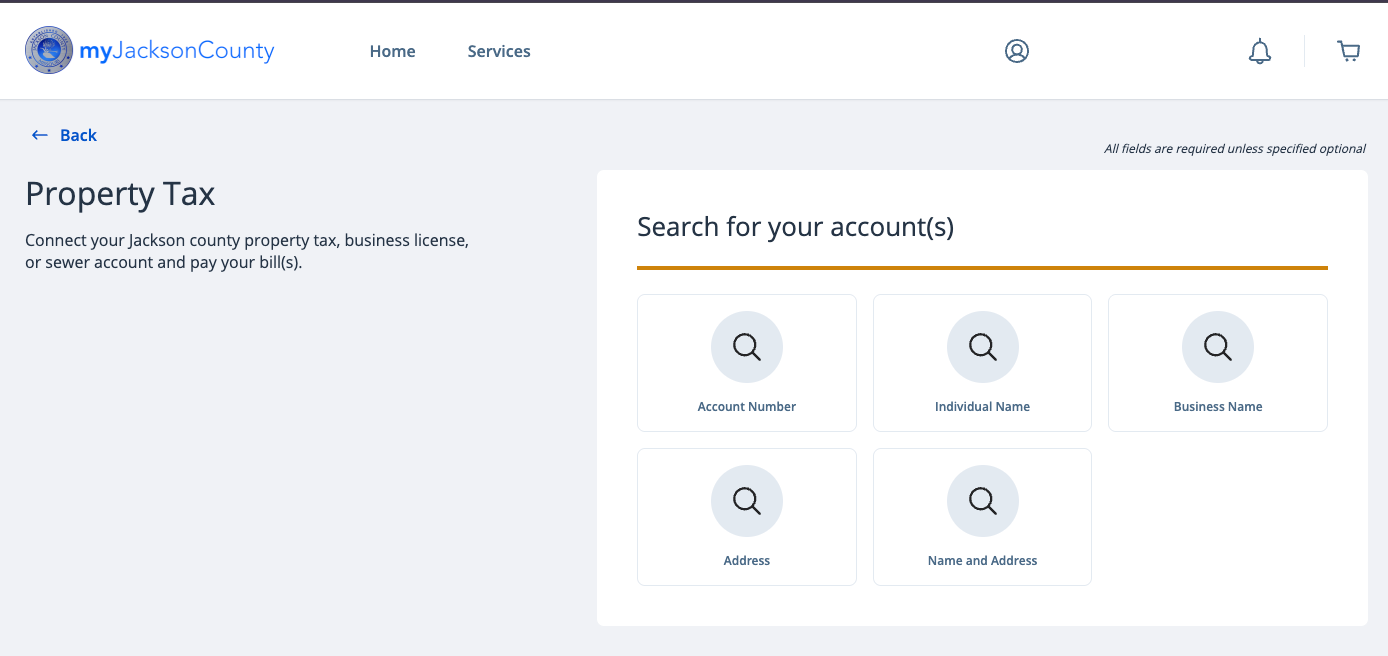
  1. Search for your property tax account

myJacksonCounty property tax account search page with five search options to select from: Account Number, Individual Name, Business Name, Address, and Name and Address.

  1. The result(s) of your search will be displayed. Confirm this is the correct property and connect it to your profile by clicking Connect Account(s). If something does not look right, click Search Again.
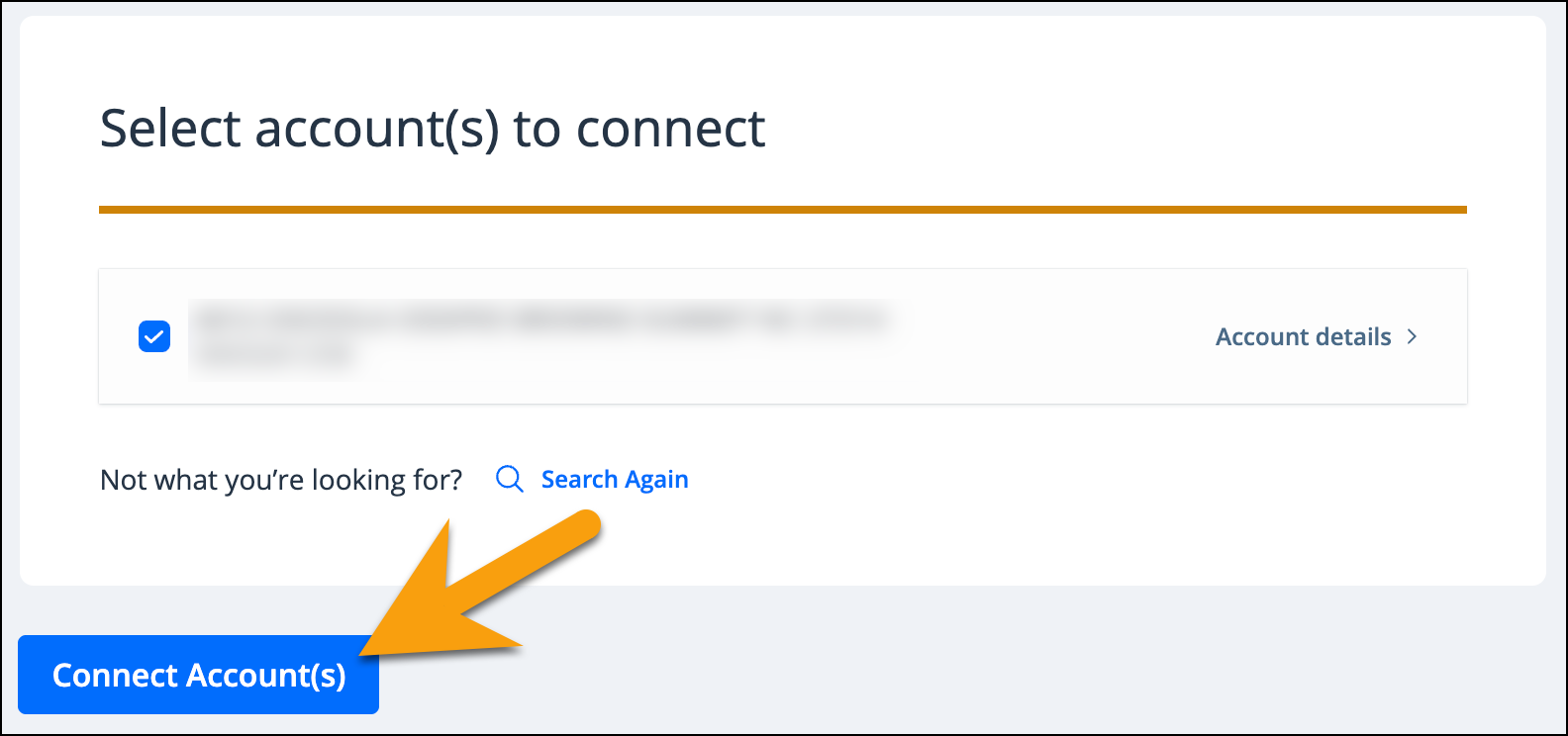
Account selection screen with one account checked and an orange arrow pointing to the blue “Connect Account(s)” button.

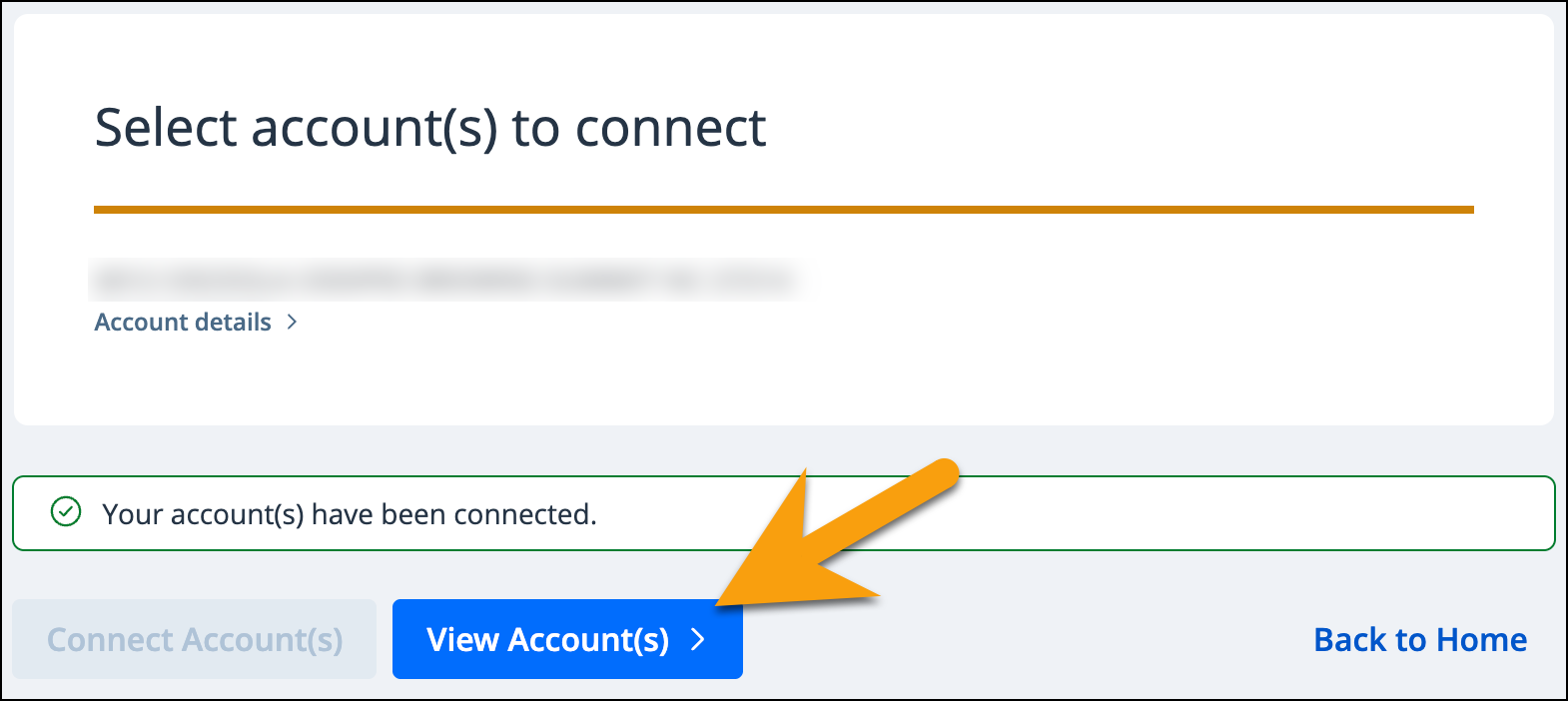
  1. Click View Account(s)

Confirmation message stating “Your account(s) have been connected,” with an orange arrow pointing to the blue “View Account(s)” button.

  1. Available bills will appear. You may click on the arrow next to the amount to view additional bill information.
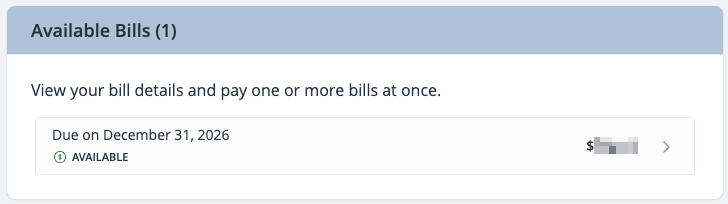
Available Bills section showing one bill due December 31, 2026, marked “Available,” with a right arrow to view bill details.